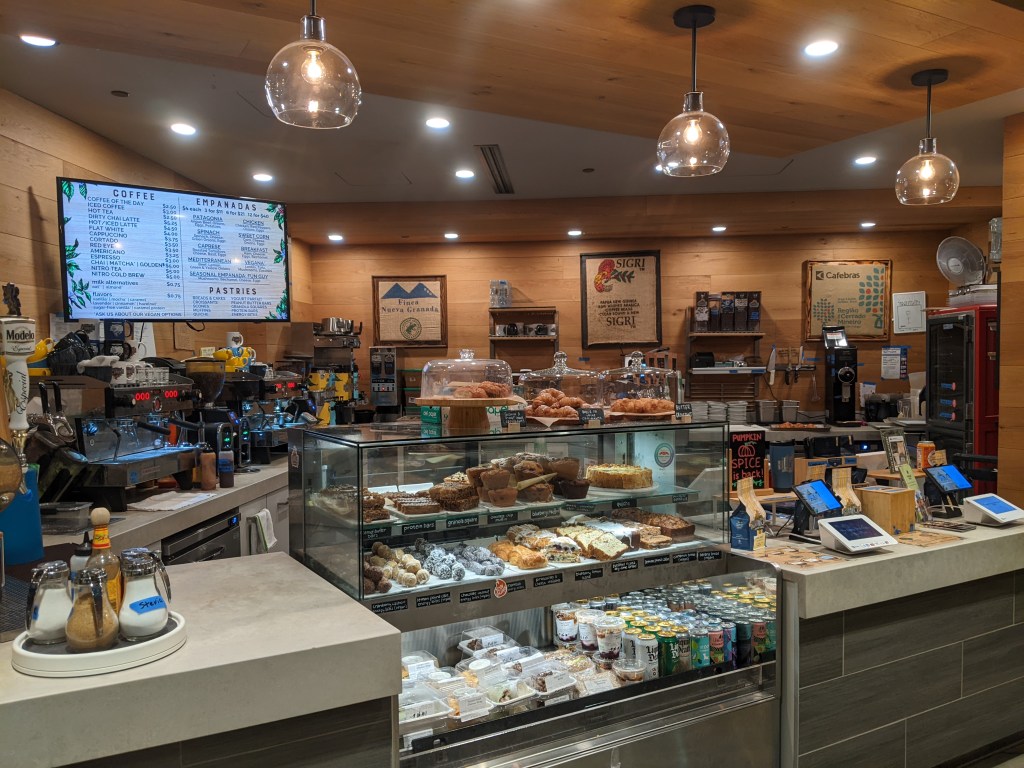
Description:
Coffee Shop P.O.S.
I restructured and redesigned a coffee shop’s existing Point of Sale system (Clover). By researching fault points, interviewing staff, and creating a system for transitioning, I have increased efficiency, reduced training time, and reduced errors in ordering.
Type:
Interface Design
Independent Contract
Spring 2023
User Issues
I was contracted by a local coffee shop to reconstruct their current Clover Point Of Sale (POS). To accomplish this, I researched the current flow of the shop, to get an understanding of some trouble points. Following this, I interviewed a number of employees to find the current systems’ strengths and weaknesses.
Mind Map | Client Leads Presentation
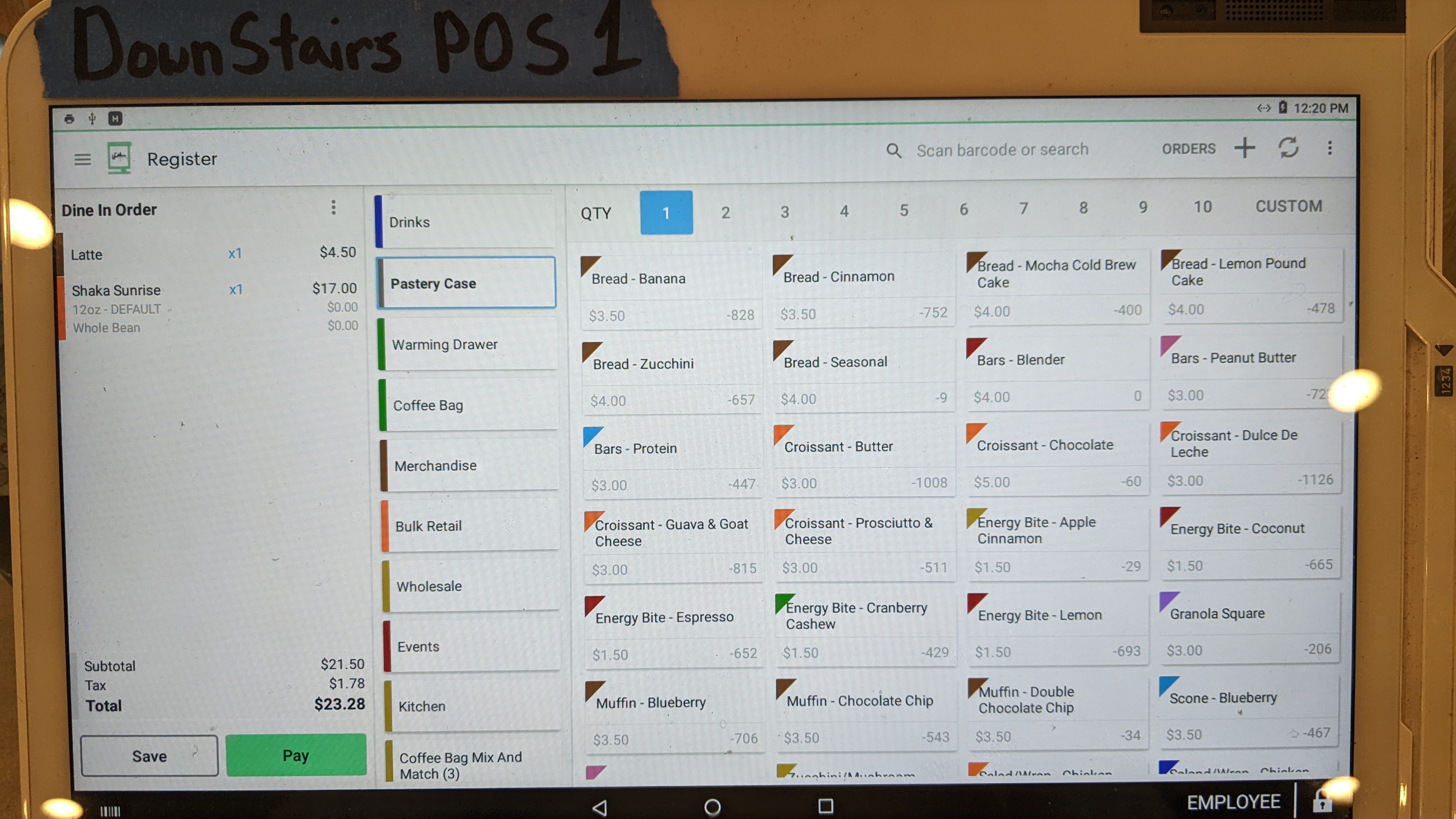
I analyzed what makes each item different or similar and created an accurate listing of what items were offered. Once there was an accurate listing of each item, I created a wireframe for how the POS would be organized, separating items into categories and identifying common changes to each item. At this point, I met with the officials who would decide if this was the design they wanted. We refined the vision for how the POS would function, including button placement, what items were called, pricing, availability, categorization, and color scheme.

Site Rollout at Secondary Location
With the plan finalized, I implemented design changes at the secondary location that had fewer customers. This gave staff the ability to resolve issues in a more timely manner and report them for fixing. Included in the rollout for the secondary location, I produced multiple changes that improved the overall quality of the design.
User Testing | Push to Primary Location
The design had many iterations through live user testing that allowed for the final design to feel seamless. Once the final design was fully complete at the secondary location, we pushed all data to the primary location, completing the project.
User Training | User Manual
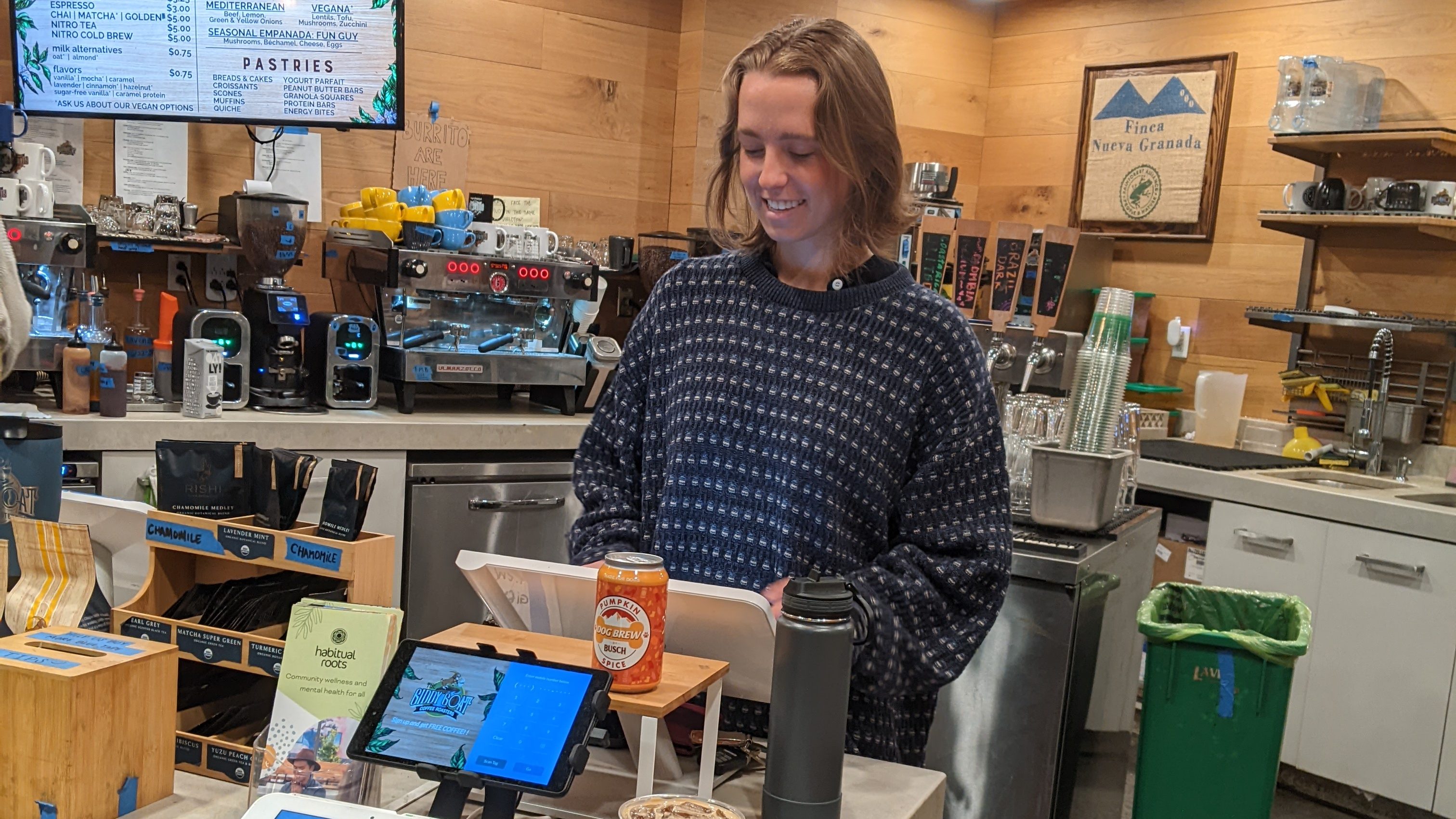
Once the project had reached an end, I focused my efforts on training staff members to use the new system. This was done through individual training with each staff member over the coming weeks to ensure all members were capable of using the system to its full potential.
Change Management
With the new system firmly in place, there arose a few issues such as new items and changes to existing items. I made multiple iterations of the new system, verifying that it was able to function as the shop intended. This included making changes to prices, adding new items, changing color schemes, updating the inventory tracking system, and ensuring online availability.
Project Outcomes
- Increased Efficiency (50% increase)
- Reduced Training Time
- Improved Customer Satisfaction
- Overall Reduction in Errors & Inconsistencies
Challenges | Takeaways
Challenges
One of the challenges of the project was that it had to be done off hours to make sure it was not impeding the daily operations of the shop.
Another challenge was that the management decided not to notify the staff about the upcoming changes. Because of this, I implemented a live training session to get staff up to speed quickly, and we did a few live changes to the system to accommodate kitchen staff needs that had not yet been addressed.
Takeaways
I would have used different tools for the project. Some of the tools I used were required as part of the contract, but some I had freedom over. These tools would have been centered around making prototypes more easily understood by outsiders to allow easier explanations to lead members. Through the project, I had identified user issues through a study but would have preferred direct feedback through surveys.
 Gabriel Fuller- Portfolio